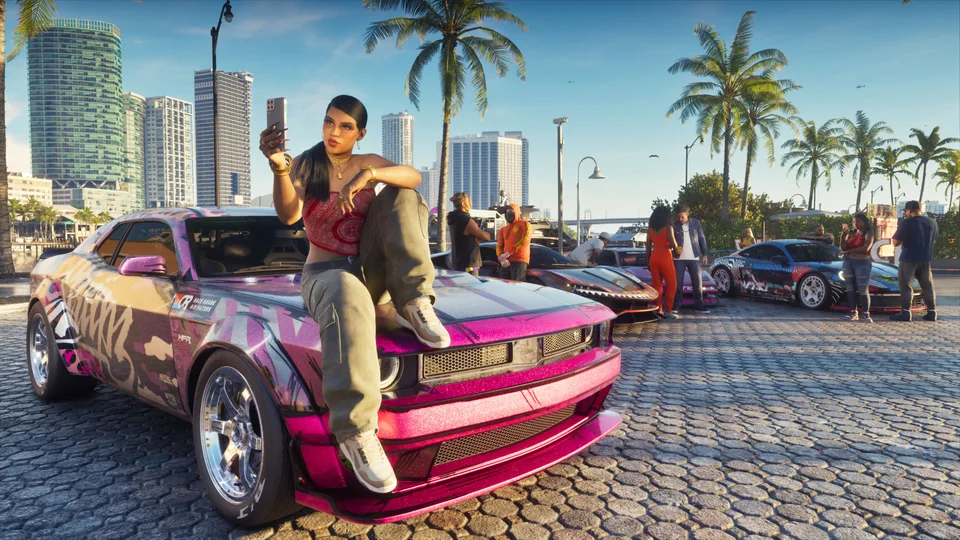
Rockstar Games launched Grand Theft Auto VI on PS5 and Xbox Series X|S first. Here is an honest technical breakdown of how desktop PC gamers can approach GTA VI—including low-end PCs—and where planned remote PS5 rentals fit.
Early access: Gaming access rolls out separately from founding reservations, with launch benefits ready when play begins.
Grand Theft Auto VI • Rockstar Games
Quick facts & specifications
Native GTA VI PC release
Not yet announced by Rockstar Games
Local GPU required for streaming
Hardware video decoder only (no RTX/RX gaming GPU needed)
Recommended PC connection
Wired Gigabit Ethernet for lowest jitter and packet loss
Input device
Compatible controller (DualSense / Xbox) over USB or Bluetooth
GameViaCloud status
Pre-launch development — gameplay opens at commercial launch
Why PC players face a console-first gap
Historically, Rockstar Games releases mainline Grand Theft Auto titles on consoles first and delivers PC versions significantly later. Because no native Windows executable exists at console launch, even an expensive high-end PC cannot install or run GTA VI locally on day one.
Streaming from real PlayStation 5 hardware bridges that platform gap by rendering the console build remotely and sending low-latency video frames to your PC display.
Why desktop PCs are ideal for remote PS5 streaming
Even an older or budget desktop PC with integrated graphics has strong advantages for cloud streaming compared to phones or congested Wi-Fi setups: wired Ethernet eliminates wireless interference, dedicated monitors reduce display processing delay, and USB-wired controllers cut input polling latency.
Desktop PC hardware vs. remote streaming workload
Component
Native AAA PC Gaming
Planned Remote PS5 Streaming
Graphics Card (GPU)
Modern mid-to-high-end dedicated GPU
Any integrated or discrete GPU with H.264/HEVC decode
Comparable to watching a high-bitrate 60 fps video
Low-end PC readiness checklist
You do not need to upgrade your CPU or graphics card to prepare for remote console streaming. Focus on the bottlenecks that actually affect stream smoothness:
Use a Cat5e/Cat6 Ethernet cable directly to your router instead of 2.4 GHz Wi-Fi.
Keep your browser (Chrome, Edge, Firefox, or Safari) updated with hardware video acceleration enabled.
Connect your controller over USB to avoid Bluetooth interference from nearby wireless peripherals.
Run our browser connection test now to verify your median ping and jitter before launch.
Frequently asked questions
Can I download a native PC version of GTA 6 today?
No. Rockstar Games released GTA VI on PS5, PS5 Pro, and Xbox Series X|S first and has not published a native PC version yet. Beware of fake "GTA 6 PC crack" or installer downloads.
Will GTA 6 cloud gaming work on a low-end PC?
Planned cloud streaming runs the game on remote PS5 hardware rather than your local GPU, so an entry-level Windows PC with hardware video decoding, a modern browser, a compatible controller, and a stable broadband connection is the target requirement.
Can I use keyboard and mouse for remote PS5 games?
PlayStation 5 games such as GTA VI are built primarily for console controllers. GameViaCloud is designed around compatible controllers such as PlayStation DualSense and Xbox controllers; full device compatibility details will be published before launch.